MTF Confluence Key Levels: Complete Setup Guide
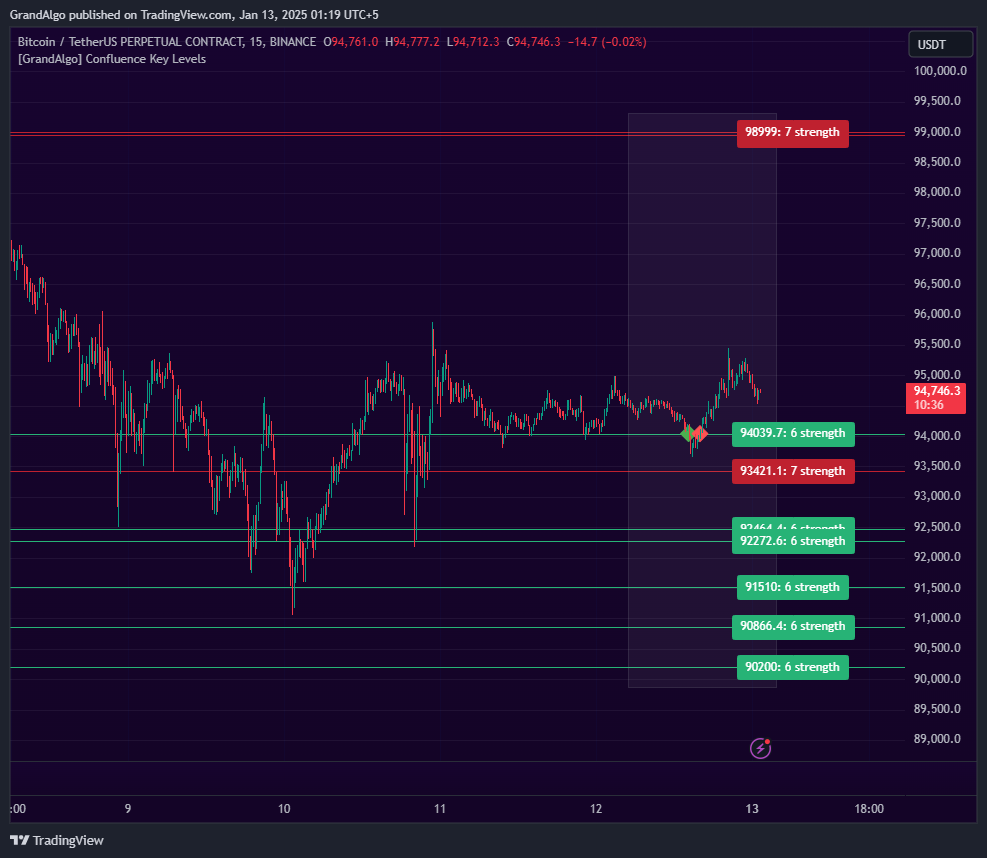
MTF Confluence Key Levels scans three configurable timeframes simultaneously to find where support and resistance levels converge at the same price. Each level is assigned a strength score based on how many times it has been confirmed, with optional weighting that gives higher-timeframe levels more significance.
What It Does
Only levels that meet your minimum strength threshold and fall within a configurable distance of the current price are displayed. This keeps your chart clean and focused on the levels that statistically matter most. The result is a curated set of high-probability key levels backed by multi-timeframe confirmation.
Key Features
Three-Timeframe Scanning
Analyzes highs and lows from three configurable timeframes simultaneously and identifies where they converge at the same price.
Weighted Strength Scoring
Optional higher-timeframe weighting gives more significance to levels confirmed on larger timeframes for smarter confluence ranking.
Proximity Filtering
Hides levels beyond a configurable distance from the current price, keeping your chart focused on nearby actionable zones.
Touch Detection & Alerts
Visual markers appear when price tests a confluence level, with built-in alerts so you never miss a key level interaction.
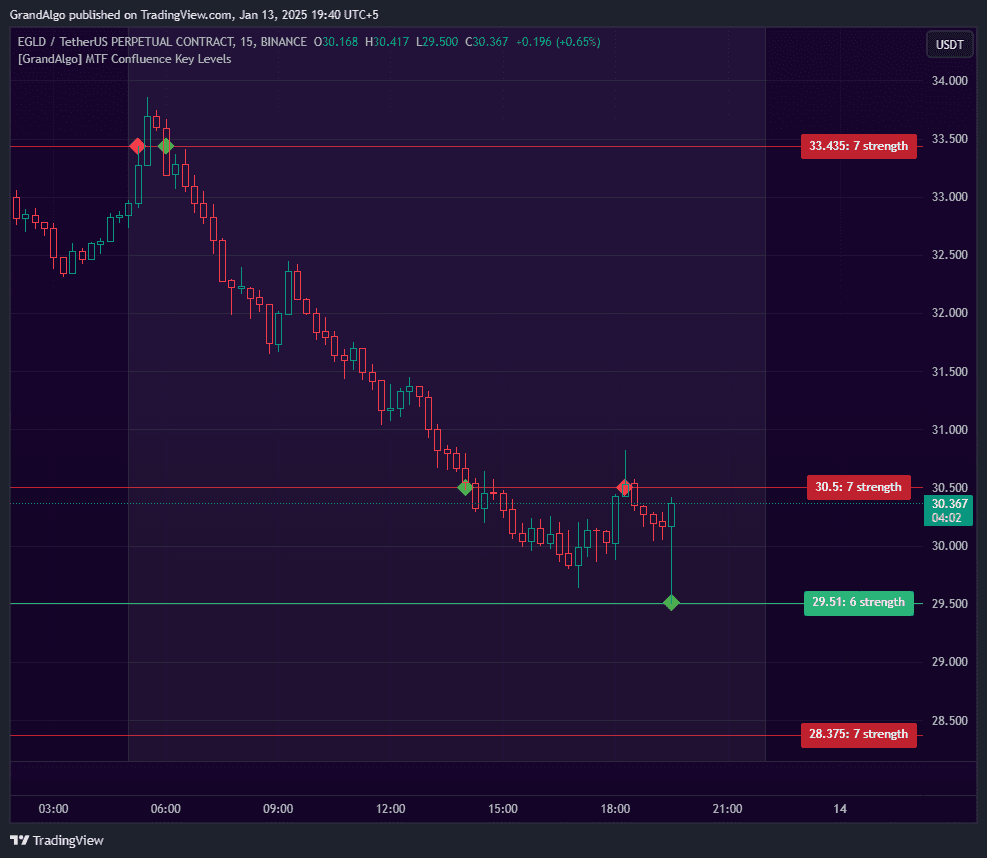
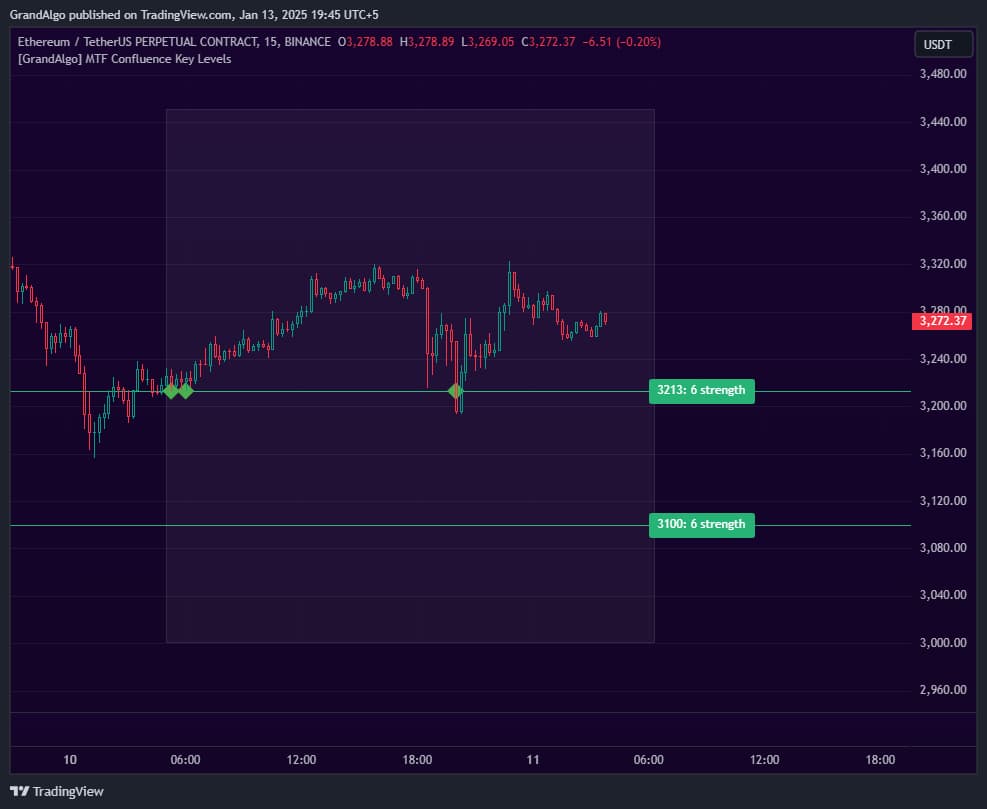
In Action
MTF Confluence Key Levels applied across different markets.
Settings & Parameters
Key settings you can configure in TradingView.
| Parameter | Type | Default | Description |
|---|---|---|---|
| Timeframe 1 | timeframe | 240 | First timeframe to scan for highs and lows. Default is the 4-hour chart. |
| Timeframe 2 | timeframe | D | Second timeframe for level detection. Default is Daily. |
| Timeframe 3 | timeframe | W | Third timeframe for level detection. Default is Weekly. |
| Hide Lines % Away | float | 5 | Hides levels that are more than this percentage away from the current price, keeping the chart focused on nearby zones. |
| Higher TF Weighting | bool | true | Gives more significance to levels confirmed on higher timeframes for smarter confluence ranking. |
| Min. Strength | int | 3 | Minimum strength score required for a level to be displayed. Higher values show fewer but stronger levels. |
| Precision Points | int | 2 | Controls how precisely levels must align to be considered confluent. |
How to Use It
Configure Your Timeframes
Set three timeframes that match your trading approach. A common setup is 4H/Daily/Weekly for swing trading or 15m/1H/4H for day trading. The wider the timeframe spread, the stronger the confluence signals.
Adjust the Strength Threshold
Start with the default Min. Strength of 3. If your chart is too cluttered, increase it. If too few levels appear, lower it. The goal is 3-6 visible levels near the current price.
Watch for Price Approaching Confluence Levels
When price nears a displayed level, watch for reactions. These multi-timeframe levels represent areas where traders across different time horizons are watching the same price, increasing the probability of a reaction.
Use Touch Detection for Entries
The built-in touch detection marks when price tests a confluence level. Use these interaction points as potential entry triggers, especially when combined with candlestick confirmation patterns.
Best Practices
Enable Higher Timeframe Weighting
Keeping this enabled ensures Weekly and Daily levels rank higher than intraday levels, which aligns with how institutional traders prioritize levels.
Set Proximity Filtering Appropriately
The percentage-based distance filter should match your trading style. Scalpers may use 1-2%, swing traders 5-10%. This prevents distant levels from cluttering the chart.
Don't Overcrowd the Chart
More levels doesn't mean better analysis. Focus on the strongest 3-5 levels near the current price for cleaner decision-making.
Related Indicators
Related Articles
Ready to Start Trading?
Get access to MTF Confluence Key Levels alongside all 18 premium indicators.